
Why Bookmark Forge
-
On-device AI titles
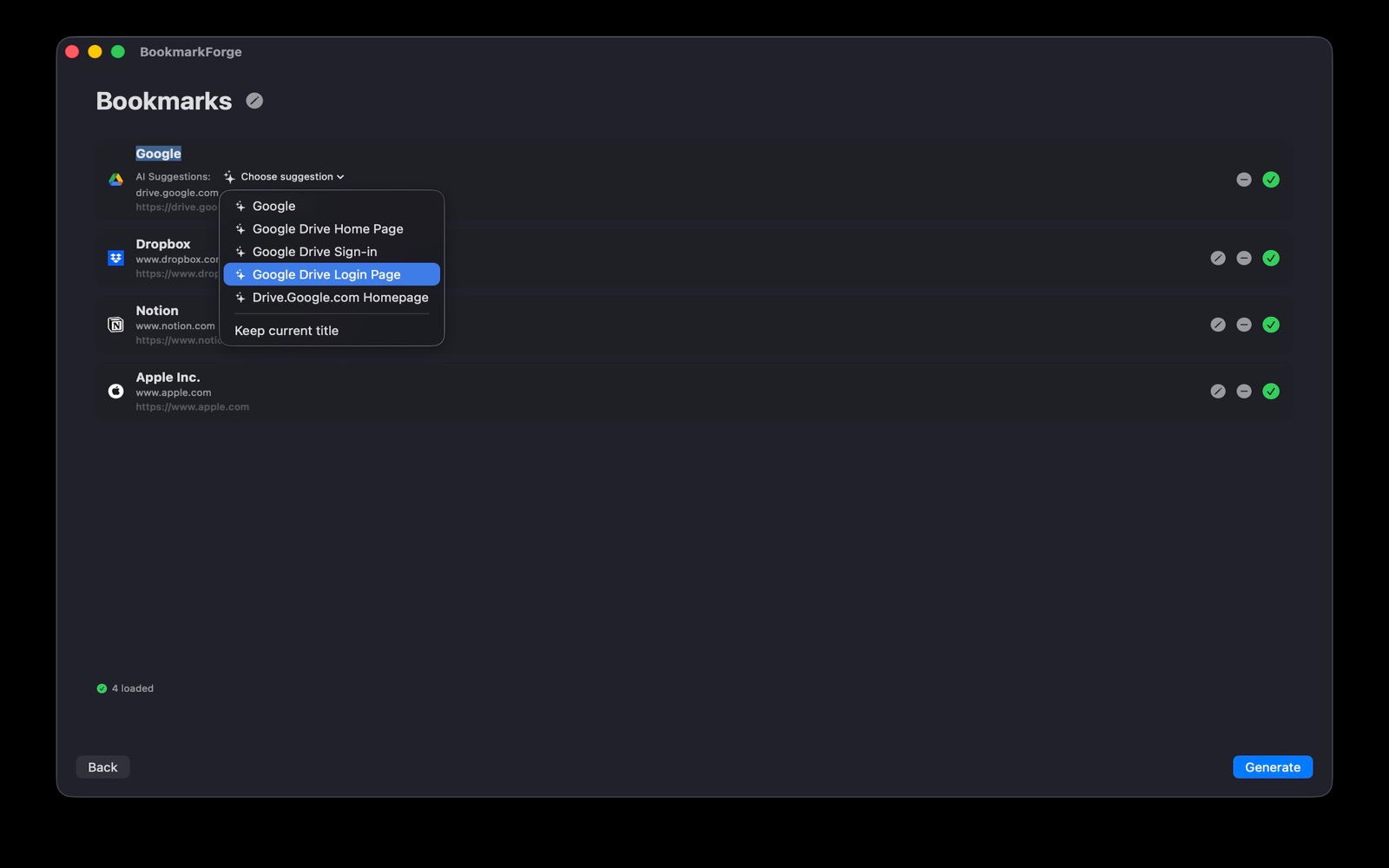
On-device AI suggests clean, readable names for every link. No account, no cloud service.
-
Private by design
Title suggestions are generated on your Mac. Your links are never sent to our servers.
-
Your choice of title
Switch between AI suggestions, the page's own title, or the plain hostname for each bookmark.
-
Works with every browser
Exports the standard bookmarks HTML format that Chrome, Safari, Firefox, and Edge all import.
-
Paste and go
Paste URLs one per line or drop in a text file, and have a bookmarks file in seconds.
-
Native and lightweight
Built with SwiftUI. Fast, lightweight, and at home on macOS.
From paste to import
-
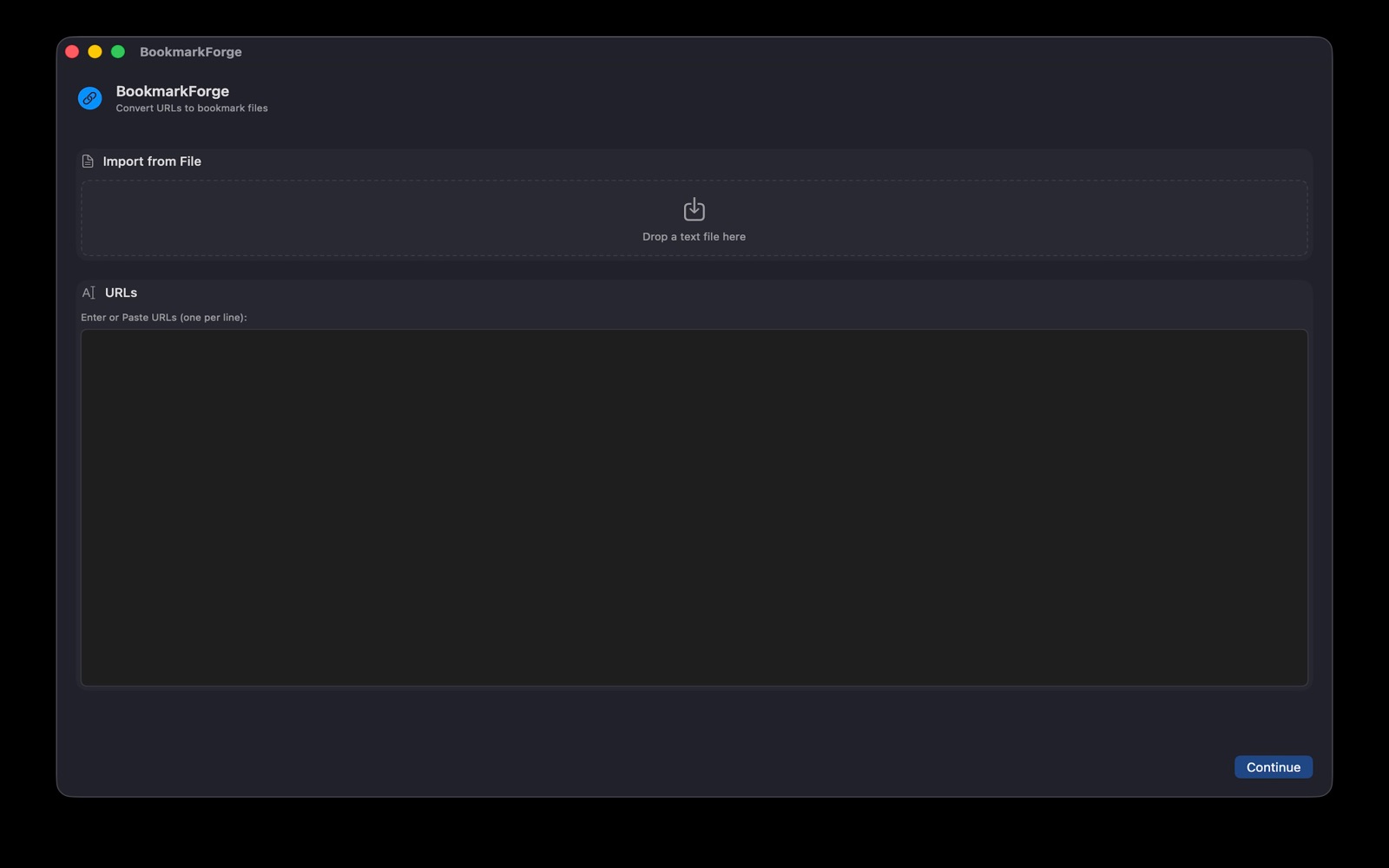
1. Paste or drop. Enter URLs one per line, or drop in a text file. -
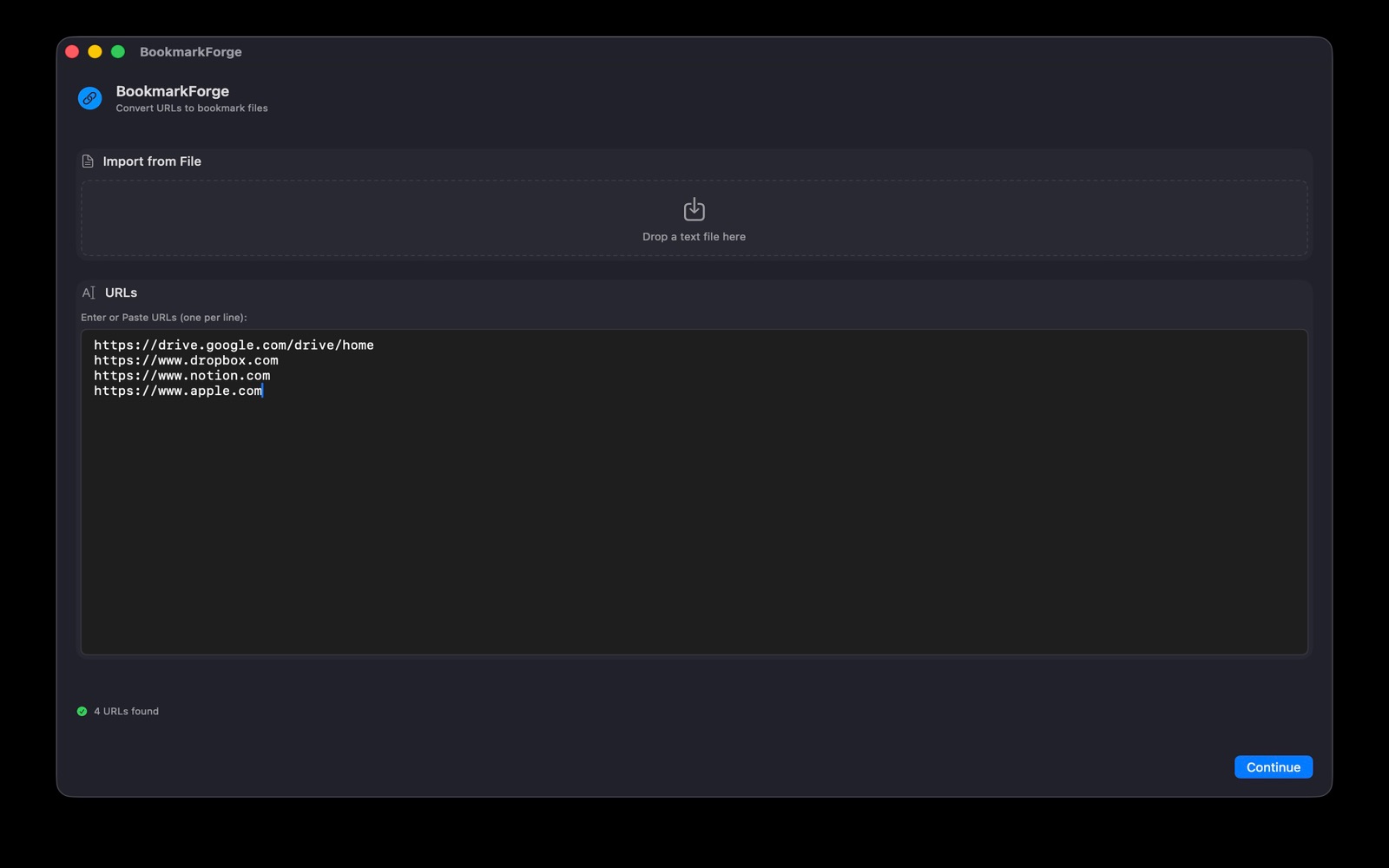
2. Add your URLs. One per line, as many as you like. -
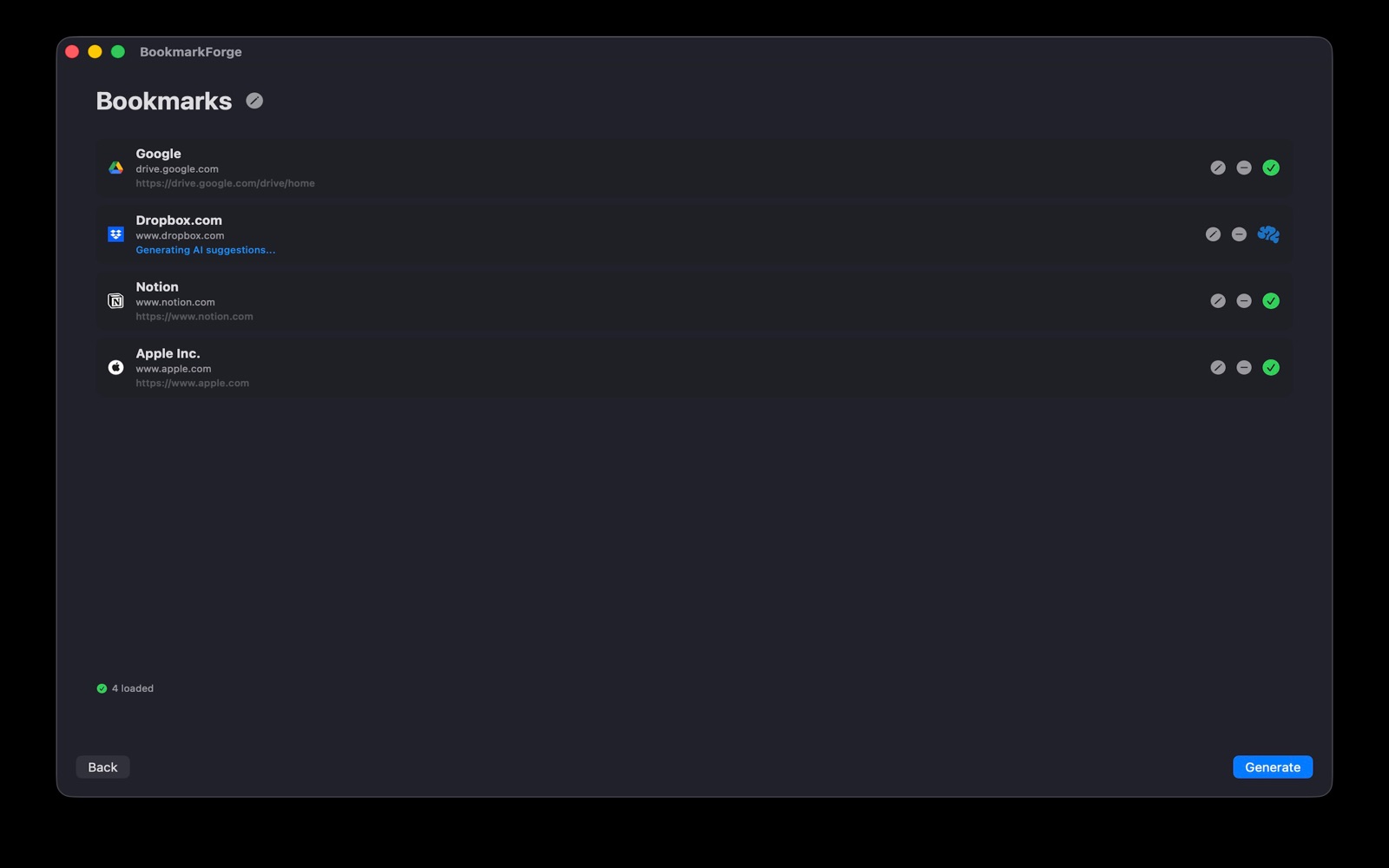
3. Titles fill in. Page titles load and AI suggestions are generated. -
4. Pick a title. Keep the AI suggestion or choose another. -
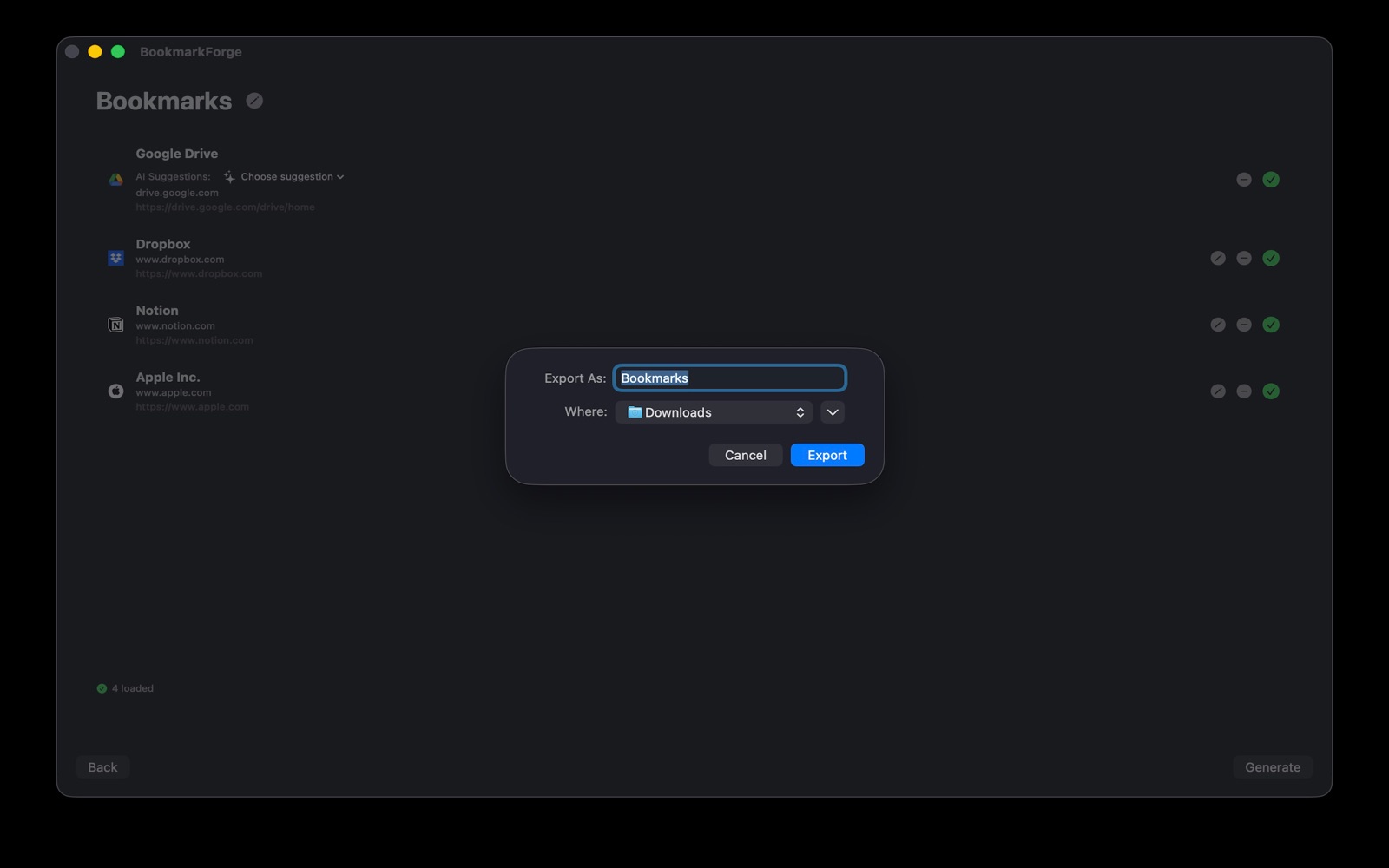
5. Export. Choose a name and where to save it. -
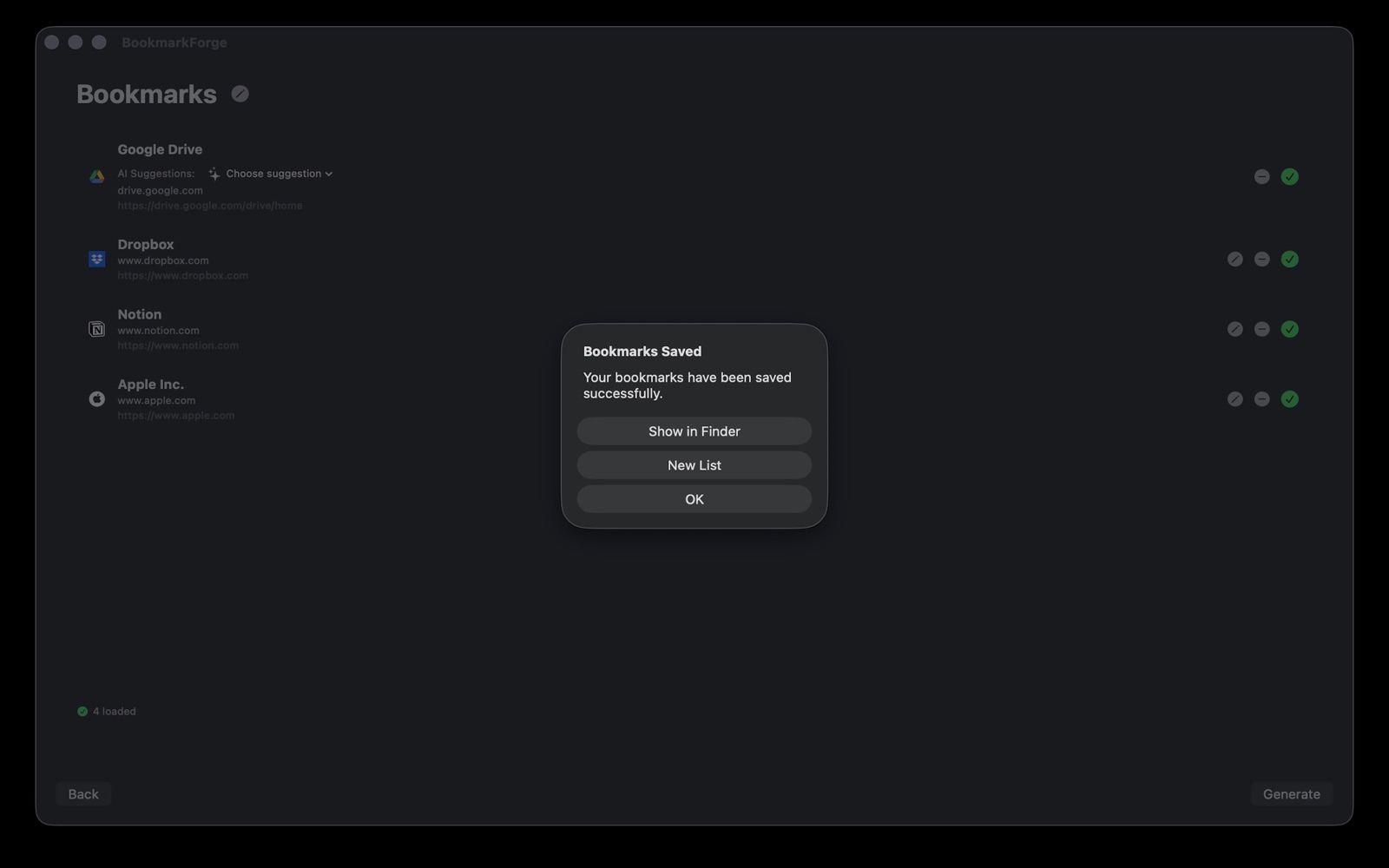
6. Import. Open the file in your browser's bookmark importer.
Get Bookmark Forge for Mac
Available now on the Mac App Store.

Already have a bookmarks file? See how to import it into your browser.